The API test suite you leave a client can be a few text files
Hurl runs on your laptop and in the client's CI pipeline, and their team can read every line of it.
In brief
- Hurl is a lightweight binary written in Rust that reads plain-text files describing HTTP requests and runs them
- The --test flag runs many files in parallel and prints a summary; --report-junit and --report-html produce reports for CI
- For an FDE, the biggest value is leaving the client a smoke test suite their team can read and change
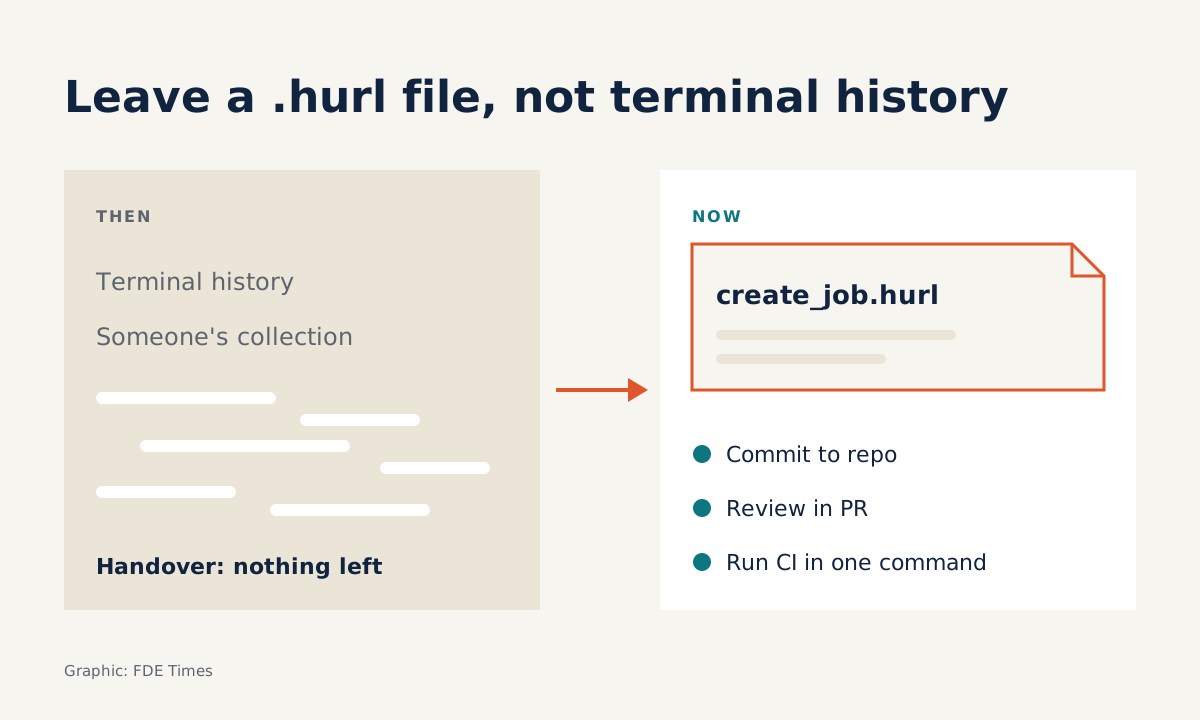
In your first week on a client site you will call their API a hundred times: fetching a token, creating a record, checking a status. Those calls usually end up scattered across your terminal history or someone’s collection. By handover, nothing is left that the client’s team can run again.
Hurl fills exactly this gap. According to its official site, it is a command-line tool that runs HTTP requests defined in a plain-text format. It is a lightweight binary written in Rust and uses libcurl as its HTTP engine.
The project sits in the Orange-OpenSource organisation on GitHub under the Apache-2.0 licence. If the client has an approval process for open-source software, ask early whether that licence is on the allowed list.
For an FDE, the value is not speed. It is that a text file can be committed to the client’s repo, reviewed in a pull request and run in their CI with a single command.
One file, a whole business flow
Imagine you are integrating with a client’s job orchestration API. The flow to check is: create a job, take its id, then confirm the job is running. Written in Hurl, the file integration/create_job.hurl might look like this:
# Create a new job
POST https://{{host}}/api/jobs
Content-Type: application/json
{
  "name": "nightly-sync"
}
HTTP 201
[Captures]
job_id: jsonpath "$.id"

# Check the job just created
GET https://{{host}}/api/jobs/{{job_id}}
HTTP 200
[Asserts]
jsonpath "$.state" == "running"
Each block is a request with its expected status line. The [Captures] section takes a value from the response for a later request to reuse. Hurl’s README illustrates this with XPath, pulling a CSRF token from the meta tag of an HTML page. The [Asserts] section checks what comes back, for example comparing a JSON field via JSONPath, as in the official sample docs.
The detail worth noticing is {{host}}. You do not hard-code a staging or production address into the file, so the same suite runs against every one of the client’s environments.
From laptop to CI takes only a flag
When debugging, you run the file normally to see the last response. When you want to test, add the --test flag. Hurl’s documentation says this mode adds a run summary and suppresses the printing of the last response, while asserts still run. Multiple .hurl files are also run in parallel to cut the time.
The official CI/CD integration guide gives a command that is almost ready to use:
hurl --variable host="$1" --test integration/*.hurlAdd --report-junit report.xml and most CI systems can read the results and show which tests failed. Hurl also exports text, TAP and HTML reports; the HTML one is generated with --report-html DIR so that people who do not read logs can follow it too.
Installation is not hard either. Hurl is available through Homebrew and Cargo, and there is an official Docker image at ghcr.io/orange-opensource/hurl. At companies that lock down their build machines, running through the Docker image is usually the route that needs the fewest permissions.
Two traps before it goes into the client’s pipeline
The first trap comes from the parallel execution itself. If file A creates data that file B needs, the two may run at the same time and the tests will fail intermittently. The safe rule is to keep each file self-contained: any flow that chains requests stays in one file and passes data through captures.
The second trap is the HTML report. The documentation states clearly that new results are appended to the existing report. On a CI runner that reuses its working directory, delete the report directory before each run, or readers will mix today’s results with yesterday’s.
It also helps to be clear about the tool’s scope. Hurl checks HTTP behaviour from the outside. It tells you the API returned the wrong thing, but to find out why you still have to read the client’s logs and code.
What to learn first
Master three things in order: the structure of a request block and its status line, how to capture values to chain requests, and JSONPath syntax for asserts. With those three you can write smoke tests for most REST APIs. Only then move on to --variable, --test and the report flags.
On a client site, the first thing to do is write a file that checks the most important endpoint of the integration, commit it to their repo and run it in CI before the first demo. From then on, every bug you find should come with a .hurl file that reproduces it.
Break a test on purpose before trusting it
A small exercise worth doing before you hand a suite to a client: in the example file above, change "running" to a value that is certainly wrong, such as "no-such-state". Then run hurl --variable host=... --test --report-junit report.xml integration/*.hurl.
Your job is to check three places. The summary at the end of the run should show create_job.hurl failing while the other files still pass. The report.xml file should record that same failure, and when pushed to a trial CI job, the pipeline should turn red.
If any of the three fails to reflect the error, your suite is not yet trustworthy, even if everything is green today. Put the assert back to the correct value, run it again, and hand over only once you have seen it go both red and green.
Professionally, a directory of .hurl files in a portfolio repo shows recruiters that you can test an API you did not write. When an FDE job posting mentions “API integration” or “CI/CD”, put a concrete result on your CV, such as having built a smoke test suite that runs in a client’s pipeline, rather than just listing tool names.
When you leave a project, the integration code may well be rewritten. The text files that spell out what the API must return tend to outlast it.
Was this article useful?
Thanks for the feedback!